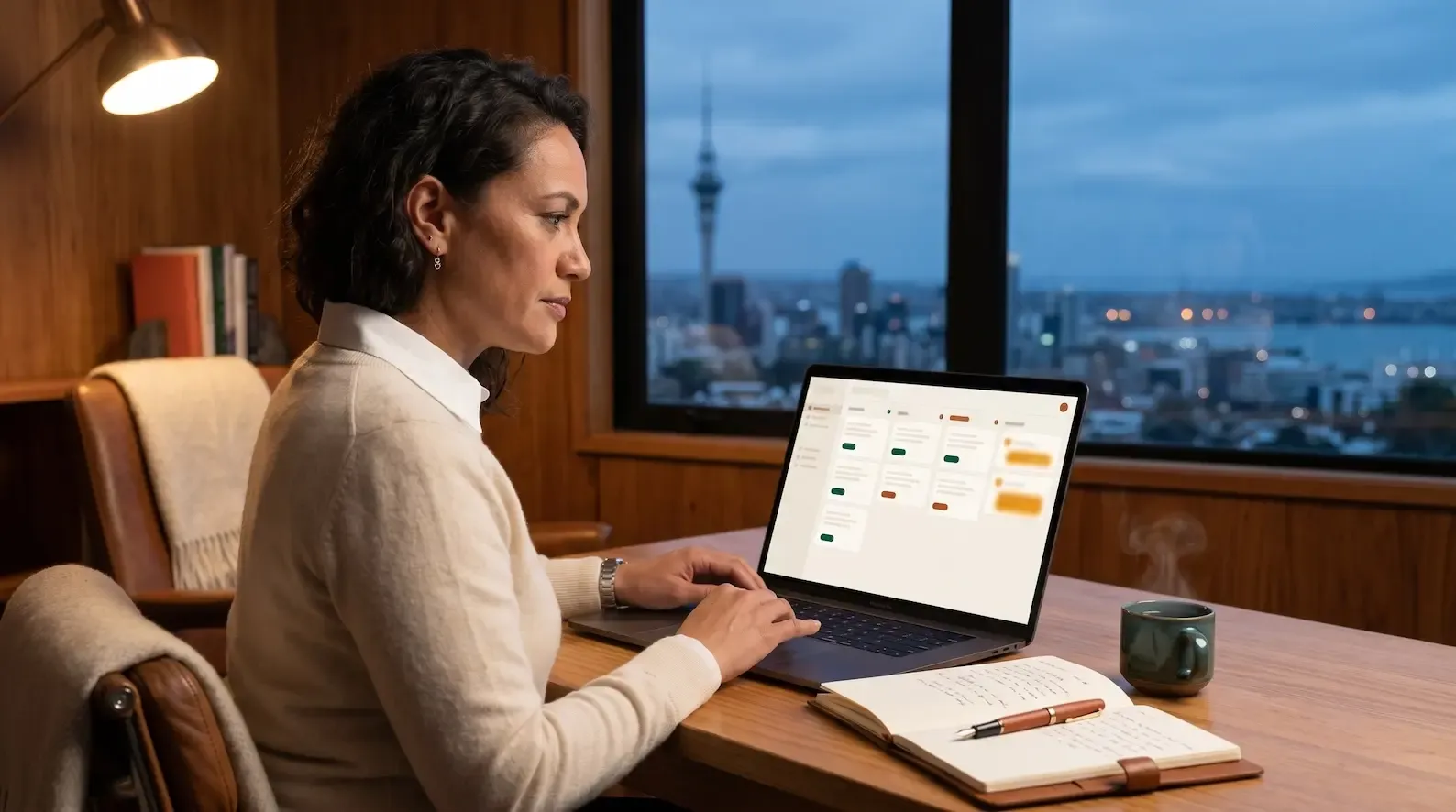
In executive search and recruitment more broadly, the shortlist is the deliverable. The senior partner runs the brief, the consultant runs the longlist, the team runs the conversations, the partner runs the triangulation — and on Day 7, the client sees five names. Most of the time, those five names arrive as a PDF attached to an email. The email starts the shortlist thread. The thread runs for two or three weeks. Sometimes it runs for two or three months. By the end, neither side knows which version of the shortlist is current, who saw which candidate first, or where the decision got made. This article specifies what changes when the email shortlist thread is replaced by a Client Room — the recruitment shared workspace where both sides see the same candidate slate, on one record, in real time.
Why the email shortlist thread became the legacy default
The email shortlist thread did not become the default by design. It became the default because email was the only channel both sides agreed on. The recruiter has the candidate slate. The client has the hiring panel. The recruiter sends a PDF. The client circulates the PDF internally. Comments come back in reply-all. The conversation flows through the inbox because the inbox is what both sides can access without any setup or new tool.
This was always operationally awkward, but until recently it was tolerable. Retained search ran longer cycles, mandate volumes were smaller, and the structural costs of running a search through email were absorbed by the long timeline. Two shifts have made the email shortlist thread less tolerable. First, hiring pace has compressed. ManpowerGroup’s APAC Employment Outlook for Q2 2025 reported a net hiring intention of +30%, up three points year-on-year Source: ManpowerGroup, March 2025. In a strengthening market, the agency that can’t run a search at speed gets replaced. Second, the channels candidates and clients use in parallel have expanded — WhatsApp, WeChat, LinkedIn DMs, video — and the email thread is no longer where most of the decision-making conversation actually happens. The thread is where the shortlist is filed; the decision is made elsewhere.
The client has already routed around the thread. Comments arrive by WhatsApp, the panel debrief happens on a call, and the reply-all chain becomes where the shortlist is filed after the fact rather than where it is decided. The agency is the one still sending it.
The four structural costs of the email shortlist thread
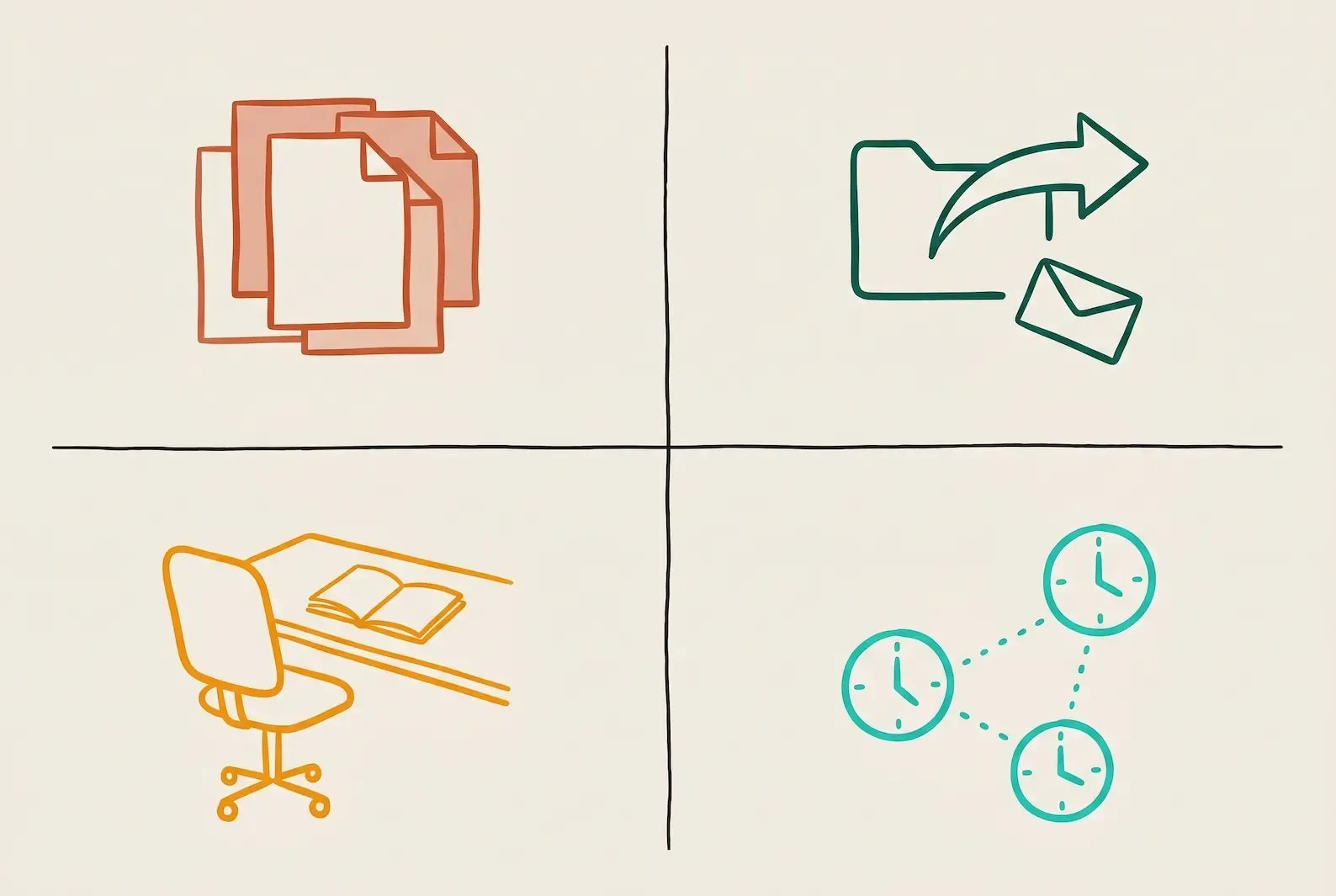
The email shortlist thread carries four structural costs that compound on every retained mandate. Each cost is invisible per email; together they consume more time than the senior recruiter spends actually shortlisting.
| Cost | What it looks like | Compound effect |
|---|---|---|
| Version drift | Different versions of the shortlist live in different inboxes — the partner has the original PDF, the hiring manager has the marked-up version, the CFO has whichever one was forwarded last week | By Week 2, no one is certain which version is current |
| Attribution loss | The shortlist email gets forwarded internally without the recruiter copied — the candidate is now in conversation with the client’s team, and the agency cannot see what was said | Agency loses fee protection on candidates introduced first |
| Client-side handover loss | The hiring manager goes on leave and the cover takes over — the email thread doesn’t transfer with them, only the structured ATS record does | The new hiring manager re-asks questions the agency already answered |
| Async scheduling | Interview slot requests run as separate email threads — sometimes branching across multiple panel members — and the consultant chases each one manually | Days of slippage on what should be a same-day calendar booking |
The four costs are well-evidenced in the data. The Talent Board’s 2024 Candidate Experience Benchmark reported that 64% of candidates receive inconsistent or duplicate updates from different stakeholders during the hiring process Source: Talent Board, September 2024 — that’s version drift surfacing on the candidate side. Gartner’s 2024 Talent Acquisition Buyer Insights survey found that 57% of hiring managers admit they sometimes lose track of which candidates came from which agencies when multiple email threads are involved Source: Gartner, April 2024 — that’s attribution loss in numbers.
These aren’t process problems to be patched with better email templates. They are architectural problems. The thread doesn’t carry the four costs because email is broken — it carries them because email is structurally one-to-many, asynchronous, and unattributable. The Client Room replaces the thread because it is structurally one-record, real-time, and attributable.
What a Client Room replaces operationally
A Client Room replaces the email shortlist thread the way a shared document replaced version-tracked Word files — same workflow, different architecture.
Specifically, a Client Room replaces:
- The shortlist PDF. Instead of a static document attached to an email, the shortlist is a live record. When the consultant updates the positioning notes on a candidate, the client sees the update on the same page. When the client comments on a candidate, the consultant sees the comment on the same page.
- The status email. Instead of “just checking in on the shortlist” messages every Friday, the Room shows status — which candidates are in conversation, which have been interviewed, which are waiting on internal panel review.
- The candidate-level back-and-forth. Instead of “can you send me the LinkedIn profile for Candidate B again” from the hiring manager who forwarded the original to a colleague, the profile lives on the candidate record inside the Room.
- The calendar negotiation. Instead of three email threads to find a 30-minute window across the panel, the Room surfaces availability and the consultant requests slots in-line.
What remains operationally is the work that actually requires human judgement — the positioning, the conversation with the candidate, the client read on fit. The Room replaces the administrative scaffold around the judgement work, not the judgement work itself.
The Staffing Industry Analysts’ 2024 Agency Recruitment Benchmarks reported that recruiters spend an average of 5.5 hours per week per open role compiling shortlists, formatting CVs, and emailing candidate packs to clients Source: SIA, June 2024. Most of those hours are in the four bullet points above. The Client Room absorbs them.
The four things a Client Room shows that an email thread cannot
The Client Room is not the email thread with a login screen. It is structurally different in four ways that matter.
1. Full conversation history per candidate. The email thread shows the messages sent about a candidate. The Room shows the conversations had with the candidate — every WhatsApp exchange, every voice call note, every email thread captured into the candidate record. Both sides see the same history.
2. Live updates. The shortlist in the email is static at the moment it was sent. The shortlist in the Room updates the moment the consultant moves a candidate to a new stage, the candidate confirms availability, or the partner adds a positioning note. The client opening the Room on Tuesday morning sees the state of Monday evening, not the state of last week.
3. Client-side visibility. The email thread is the recruiter’s filing system that the client occasionally reads. The Room is the client’s working environment for this mandate. The hiring manager opens the Room to see the slate. The CFO opens the Room to comment. The recruiter sees who opened what, when, and what was reviewed.
4. Decision audit trail. When the client says “we decided to move to offer with Candidate C,” the Room records who said it, when, and on what basis. The email thread records the email sent — not the decision context. If a question comes up six months later about why Candidate A was preferred to Candidate B, the answer is in the Room rather than in someone’s archived inbox.
A Deloitte 2024 Human Capital Trends analysis reported that organisations using shared hiring workspaces achieve time-to-decision for shortlists 25–30% faster than those relying primarily on email Source: Deloitte, May 2024. The speed gain comes from these four structural differences — not from a faster email client.
How Perfect Memory feeds the Client Room
A Client Room is only as useful as the candidate record beneath it. If the record is incomplete — if the consultant’s prior conversations with the candidate live on WhatsApp instead of in the CRM — the Room shows only the visible half of the relationship.
Perfect Memory is the architectural layer that ensures the candidate record is complete before the Room makes it visible. Every call, every email, every WhatsApp message, every WeChat thread, every meeting note feeds the single record per candidate. When that candidate is added to a Client Room, the client sees not just the CV and the consultant’s positioning notes — they see the relevant context from the conversation history, surfaced appropriately.
The Conversation Capture Stack is the operational layer that does the capturing. The Room is the surface that makes the captured material visible to both sides. Without conversation capture at source, the Room would be another empty system the consultant has to manually populate — which defeats the purpose.
For agencies in APAC, where WhatsApp and WeChat carry most of the candidate-side conversation, this matters more than it does in US/UK markets. A Room that shows the Hong Kong consultant’s WhatsApp exchange with the candidate (relevant snippets surfaced for client view) is operationally different from a Room that shows only the email thread.
When the Client Room wins — and the one case where the phone still does
The Client Room is the default workspace for the shortlist. There is exactly one situation where the phone still wins: the partner-to-partner conversation about a candidate where the client needs the partner’s personal read, not the recorded record.
This is rare and deliberate. It happens when the client wants to ask a question they wouldn’t put in writing — about a candidate’s reputation, about confidential context the partner has from a previous mandate, about a market view that needs to be off-record. The senior partner picks up the phone. The conversation happens. Afterwards, the partner adds a single line to the Client Room: “Discussed Candidate B context with [client] — happy to expand if needed.” The Room shows that the conversation happened without recording what was said.
This works because the Client Room is the system of record, not the system of every-conversation-in-detail. The phone conversation supplements; it doesn’t compete. What breaks if the Room is bypassed is the audit trail — and the audit trail can be preserved with a one-line annotation that doesn’t require recording the off-record content.
Outside that one case, the Client Room wins on every operational dimension. Each of the four structural costs is a cost the client absorbs as well as the agency: the client is the one reconciling versions, the one whose successor inherits nothing, the one chasing a status update through a thread. The agency that takes those costs off the client’s side has the structural advantage on every retained mandate from the second one onward.
Day 7 in a Client Room vs Day 7 via email PDF
On the Speed to Shortlist Cadence, Day 7 is client delivery. The same Day 7 work delivered through a Client Room versus through email is operationally different in a way that compounds.
Day 7 via email PDF. The consultant builds the PDF Saturday night. Sunday morning, they send the PDF to the client with a covering email. The client opens the email Monday morning — or Tuesday, depending on time zone and inbox priority. The client opens the PDF, reads it, decides which two of the five candidates they want to interview. They reply-all with feedback. The reply-all may or may not include the agency’s senior partner. The interview scheduling starts as a new email thread. Total elapsed time from delivery to first interview slot booked: typically 3-5 days, sometimes 7-10.
Day 7 via Client Room. The consultant builds the shortlist in the Room across Days 6-7. On Day 7, the consultant notifies the client that the Room is ready. The client opens the Room on whatever device they’re already on — phone, tablet, laptop — and sees the slate. They comment on candidates in-line. They request interview slots from the same view. The agency sees the comments and slot requests in real time. Total elapsed time from delivery to first interview slot booked: typically same-day or next-day.
The Day 7 delivery is the work the entire 7-Day Cadence is built to enable. Delivering it through a Client Room rather than through an email PDF is the architectural choice that lets the cadence land its speed advantage. Signals is built so the Client Room runs as the default workspace for every mandate — Client Rooms at the delivery layer, Perfect Memory at the record layer, and the consultant operating with the slate and the client in the same room.
Replace the email shortlist thread
See Signals on a recruitment desk like yours.
Common questions
Client Rooms replace email shortlist threads by giving recruiter and client one shared workspace where both sides see the same candidate slate in real time, instead of negotiating shortlists across forwarded emails and PDF attachments. The shortlist becomes a live record rather than a static document. Status, comments, decisions, and interview scheduling all happen against the same candidate cards. The recruiter sees what the client saw and when. The client sees the conversation history per candidate. The thread that used to span three weeks of reply-all becomes one Room both sides keep returning to.
The four structural costs are version drift (different versions of the shortlist live in different inboxes, so by Week 2 neither side is certain which version is current), attribution loss (the shortlist gets forwarded internally without the recruiter in the loop, and the agency cannot see what was said), client-side handover loss (when the hiring manager changes, the email thread doesn't transfer with them, only the structured ATS record does), and async scheduling (interview slot requests run as separate email threads that branch across panel members). Each cost is invisible per email; together they consume more time than the senior recruiter spends actually shortlisting.
A Client Room shows four things the email thread structurally cannot: the full conversation history per candidate (every WhatsApp exchange, voice call note, and email thread captured into the candidate record), live updates (the slate updates the moment the consultant moves a candidate to a new stage or the candidate confirms availability), client-side visibility (the hiring manager opens the Room to see the slate, the CFO opens the Room to comment, and the recruiter sees who opened what when), and a decision audit trail (the Room records who said what, when, and on what basis, not just the email that was sent).
Email is rarely better than a Client Room for shortlist work, but the phone still wins in one specific case: when the client wants to ask the partner a question they wouldn't put in writing, off-record context the partner has from a prior mandate, or a market view that needs to stay verbal. The senior partner picks up the phone, has the conversation, and adds a single line to the Client Room afterwards noting that the call happened. The Room remains the system of record; the call supplements rather than competes. What breaks if the Room is bypassed is the audit trail, and a one-line annotation preserves it without recording off-record content.
Perfect Memory is the architectural layer that ensures the candidate record is complete before the Client Room makes it visible. Every call, every email, every WhatsApp message, every WeChat thread, every meeting note feeds the single record per candidate. When that candidate is added to a Client Room, the client sees not just the CV and positioning notes but the relevant context from the conversation history. Without conversation capture at source, the Client Room would be another empty system the consultant has to manually populate, which defeats the purpose. The Room is the surface; Perfect Memory is the substance underneath.